Why should I use this over other apps?
It's completely offline.
You don't have to worry about a privacy policy that might change about how we retain and use your data. You don't have to hope we are good agents of your data and that we might decide to start selling your data.
We literally can't. The app is designed to only store data on your phone. It only goes where you want it to. We understand the significance of data like this. The only people who can see it is people you choose to let see it. No one else.
In the future we will have more ways to prove our statements about it being offline.
It keeps the process of tracking simple.
When a cycle starts, one tap starts the tracking process.
The app then checks in with you daily with an unobtrusive, local notification (not a push notification. there is no server involved with this!).
If you are on Android, you either tap yes or no on the notification.
If you are on iOS, you can long press the notification to bring up the yes or no buttons for it to track that day. You can also tap the notification and a prompt in the app will ask if you are still on cycle.
When you tap yes, it reschedules itself for the next day. When you tap no, it ends the notifications. You don't have to remember to open the app to say when a cycle ends. It just asks you until a cycle ends.
It is modular to your needs.
Cycles are not the only thing the app tracks.
There is also a bullet journal-styled tracking section that allows you to enter in items that you would like to track for a day. If something significant happened and you want to make sure that it is tracked, go for it!
There are no rules around what you can track. Give the bullet a title, optional subtitle, and a color for how you want the pip to show on the calendar. There you go. The app will remember the item if you wish to apply it to other days. Add as many as you want. It's meant to help you, not tell you what you should track or shouldn't.
Each day also has a day journal in the bullet journal screen to allow you to take more detailed notes as well! If you add an item, that item gets its own space for more notes. There is also a general day space for any notes that you think don't need a specific pip to track.
It respects your time.
The purpose of this app is not to keep you in it, track streaks, or promote more screen time for ads. It's a tool to make tracking cycles simple and painless.
The notification doesn't even require you to open the app. It just wants its question answered so it can either track that day or stop asking.
The bullet journal functions are a tap away. The day journal one more tap from that.
This is a tool that is made to help you and it acts like one.
It's gender neutral.
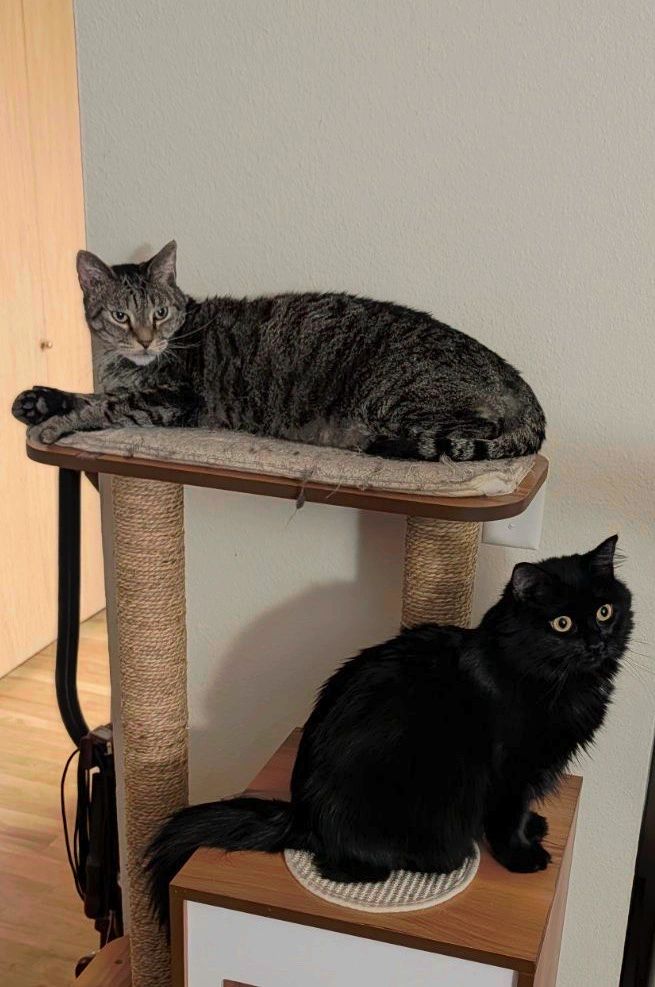
Gender shouldn't come into play for tracking cycles. It's not pink to appeal to women, or blue and black to appeal to men. It looks like a game because it wants to make the tedious nature of tracking cycles fun. It's themed after Helena because it's fun to see a little cat help you out.
HelenaCat is for everyone.
The data is yours!
There will be ways to visualize the data as we learn more about what our users' needs are, but that might not be enough for everyone.
The app lets you export your data whenever you want. You can throw it into your favorite spreadsheet and make whatever visualizations you want. We are just happy that the data is helping.
This also means you can back up the data however you want. Got a local datastore that you like? Cool! Export the data and store it there.
Where is that privacy policy anyway?
It's on the main site!